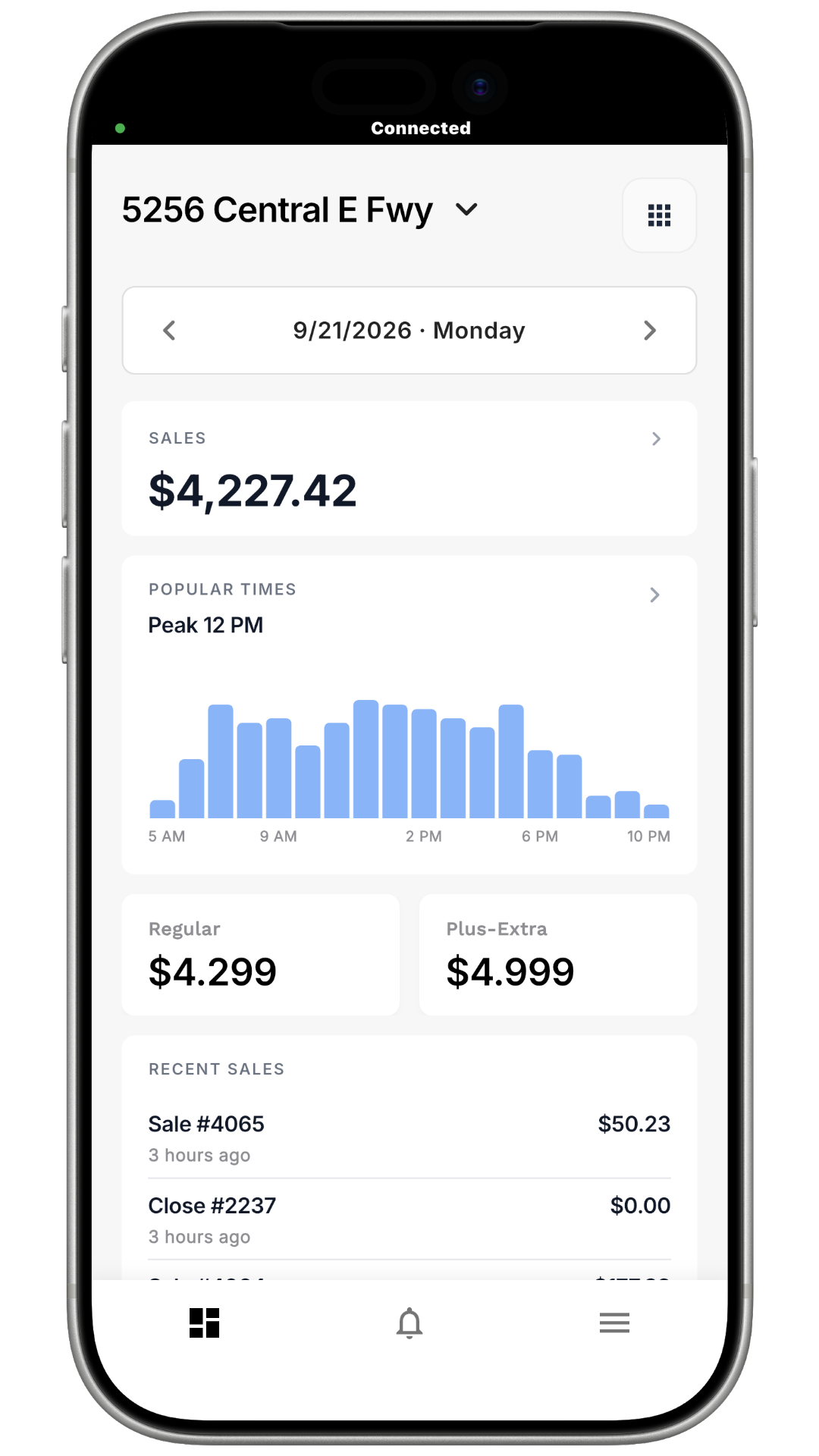
Step 1 — Open Your Tools
On the home screen, tap the grid icon (nine small squares) in the top-right corner. This opens Your Tools, your shortcuts for daily operations.
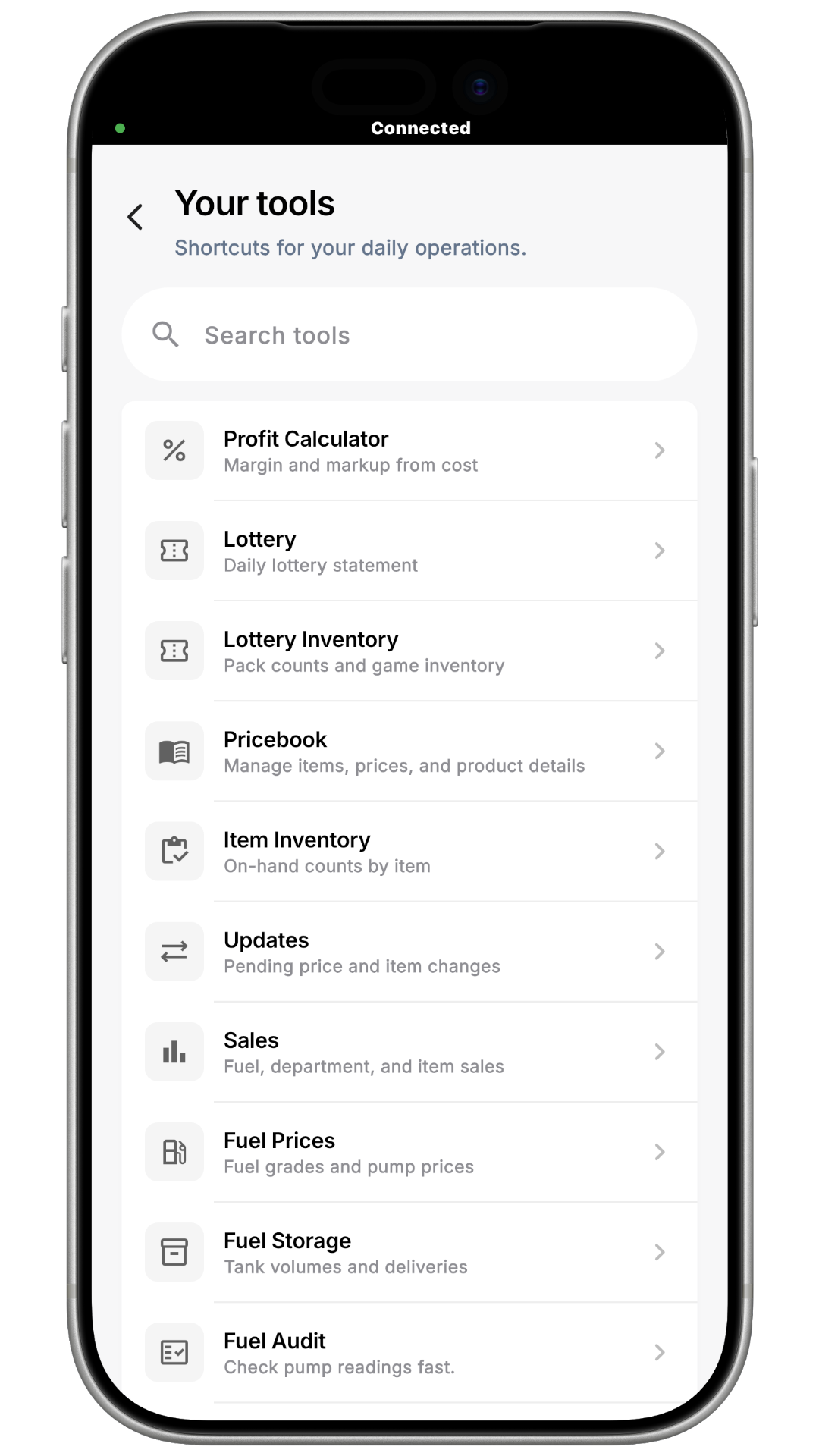
Step 2: Search for ( FUEL AUDIT ) and open it
Step 2 — Open Fuel Audit
In the Search tools field, type Fuel Audit, then tap the Fuel Audit row ("Check pump readings fast"). You can also scroll to it — it sits between Fuel Storage and Store Report.
Step 3 — Add a new audit
Tap the blue + button in the bottom-right corner to open the Add fuel audit screen.
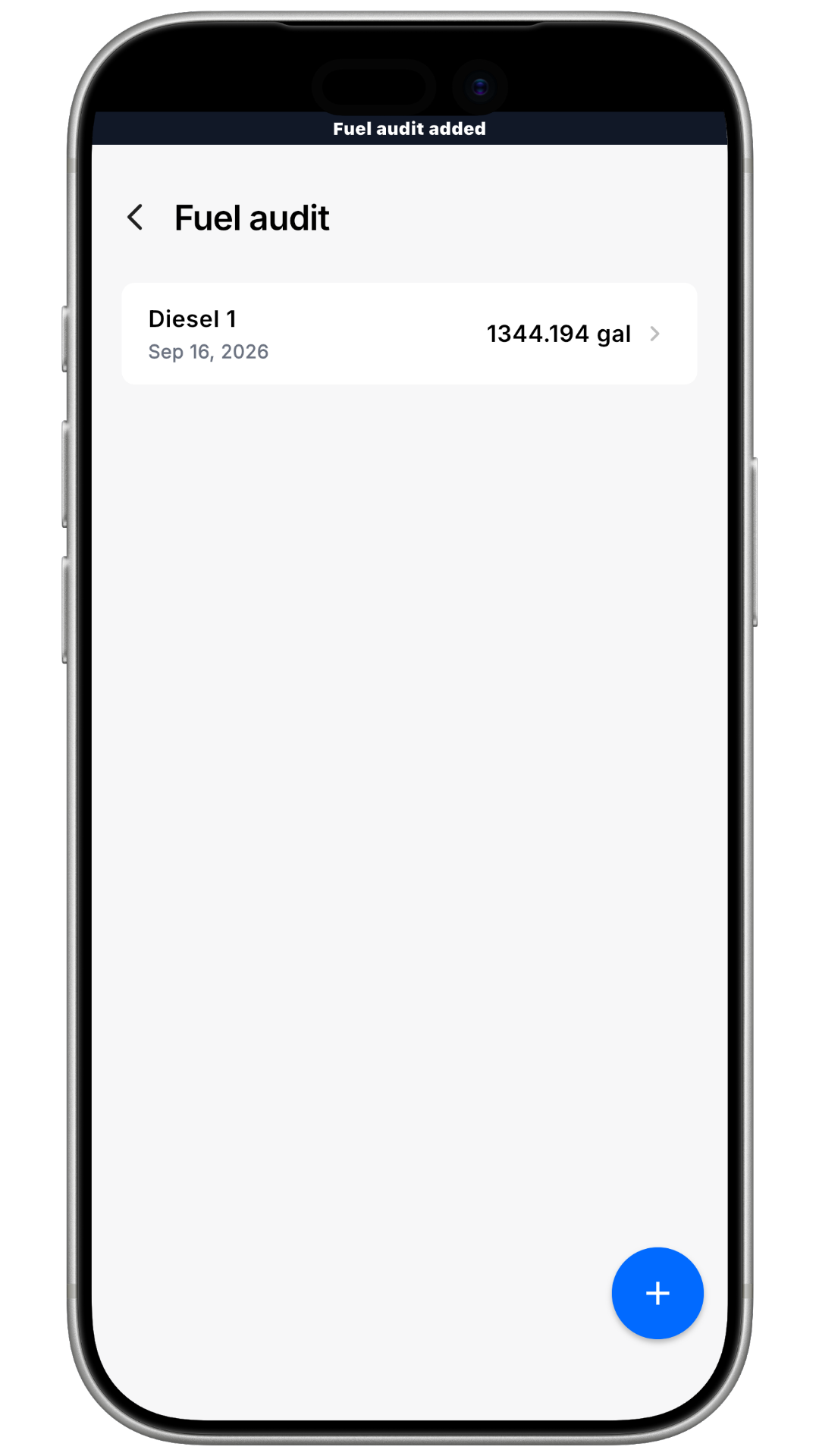
Tap Save. A confirmation banner reads Fuel audit added.
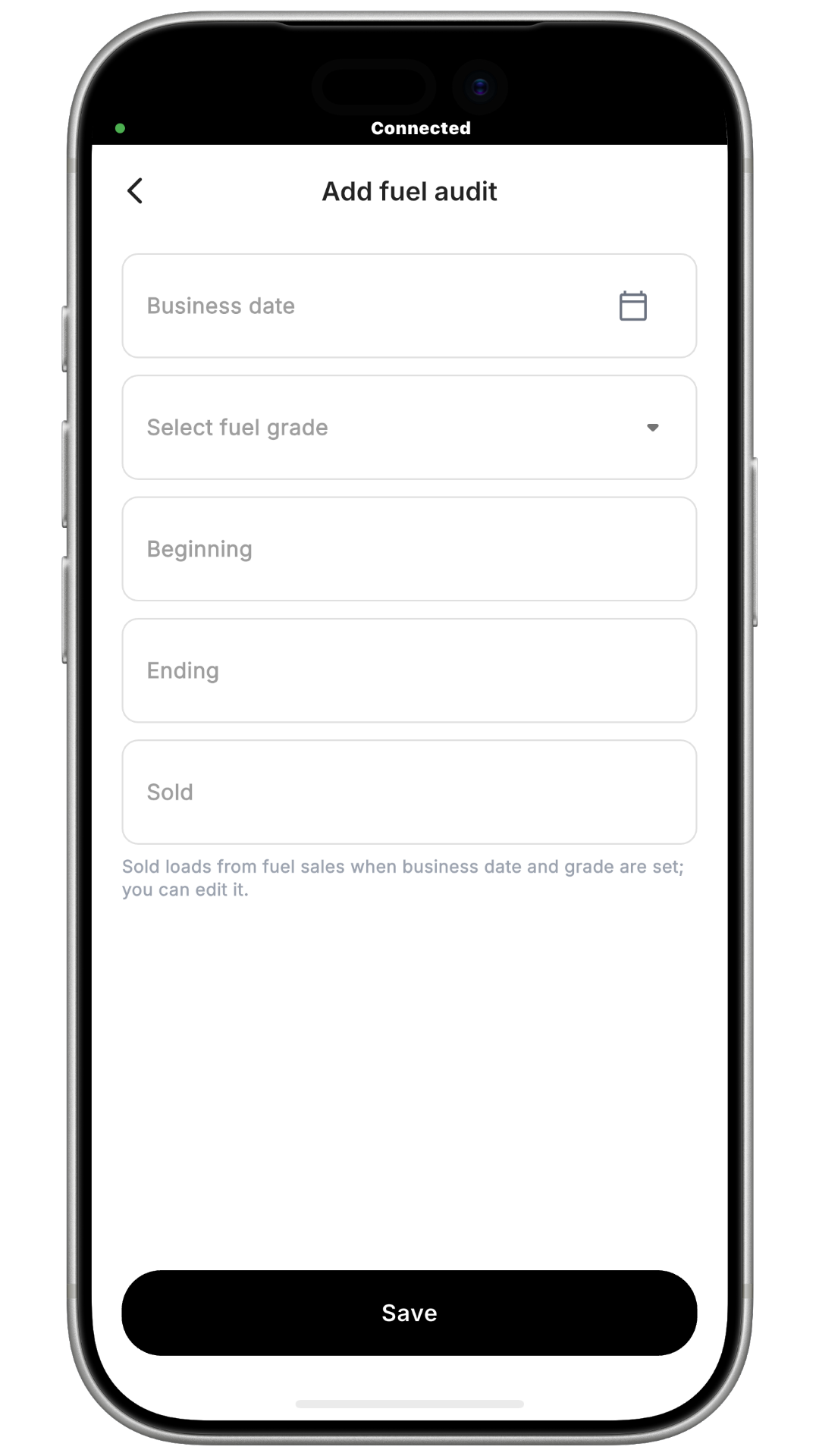
Press:
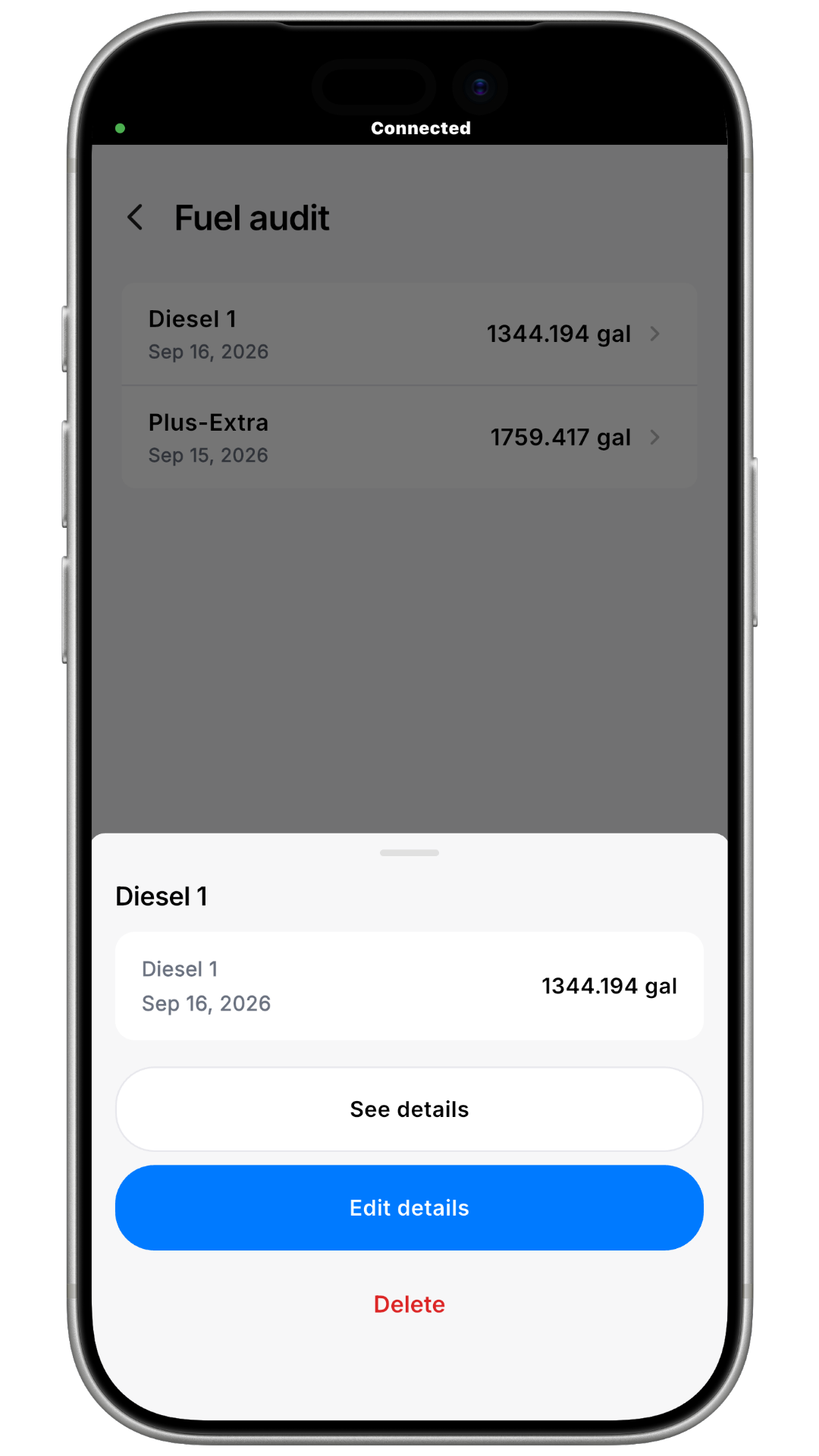
Press on see Details:
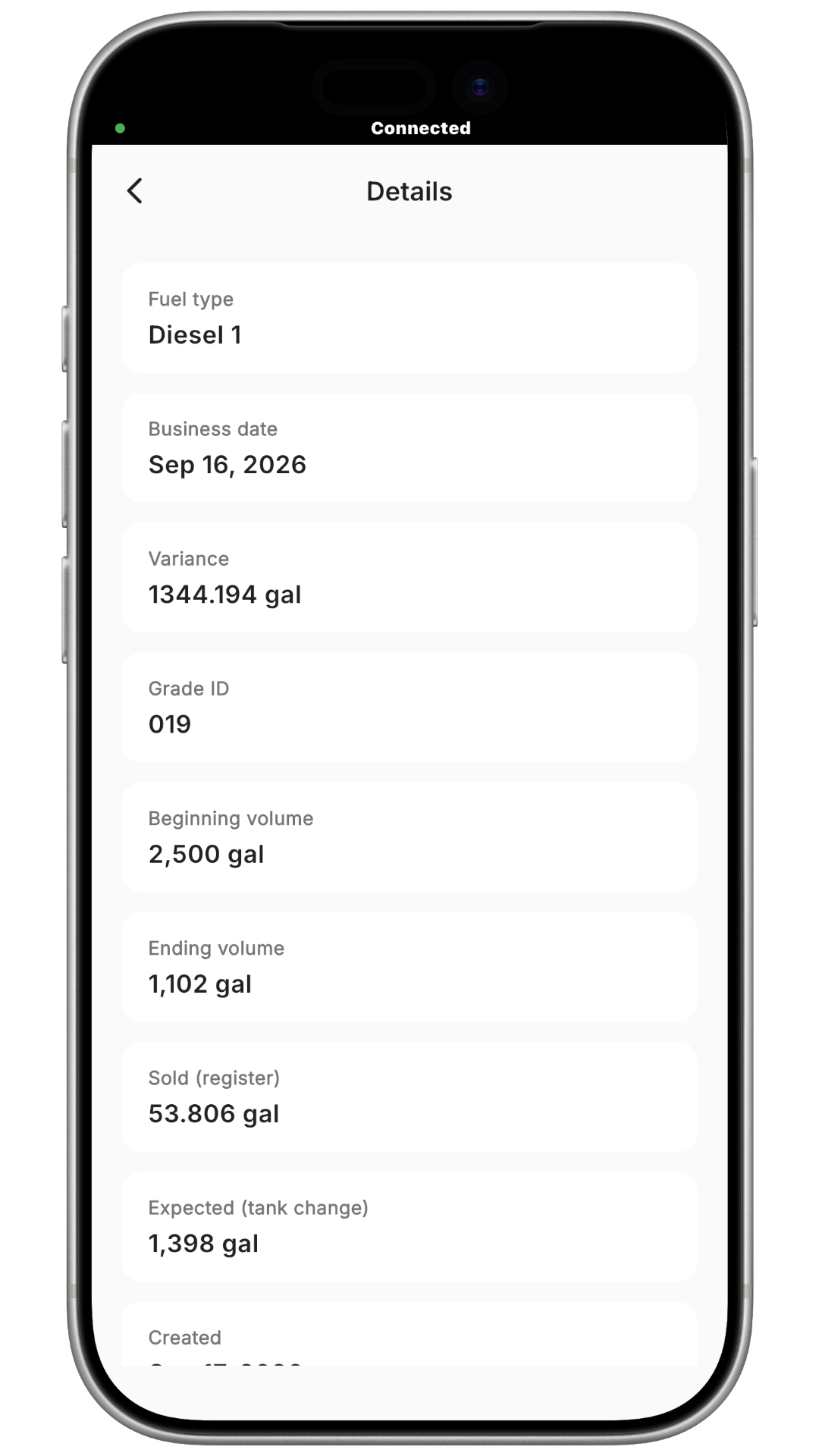
Click back then Press On Edit Details:
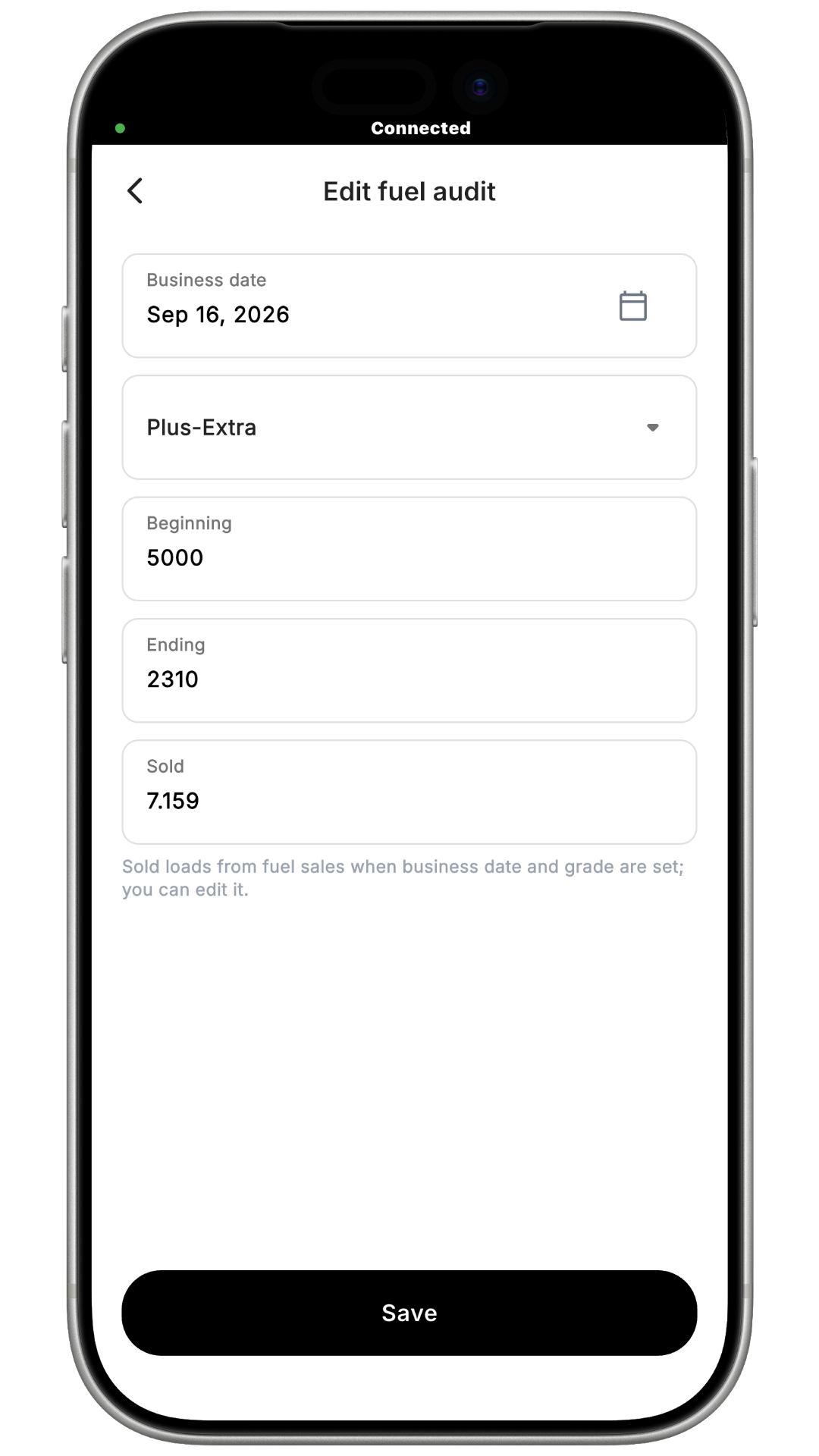
Now Update List:
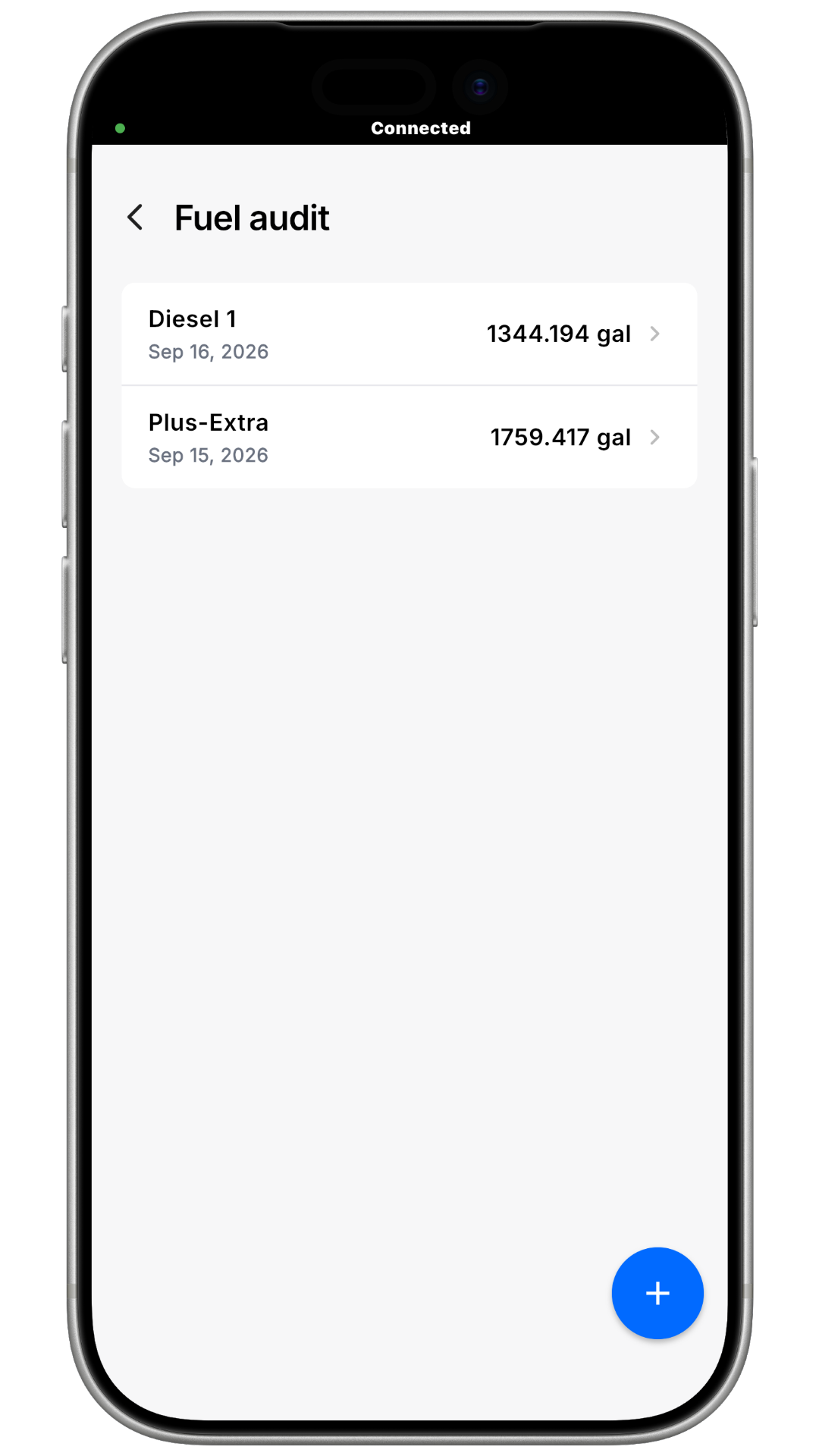
Step 4 — Check the updated list
You'll return to the Fuel audit list, where your new entry appears with the grade, business date, and gallon figure. Tap any row to view or edit its details. [A] — assuming the chevron on each row opens a detail/edit view.