.png)
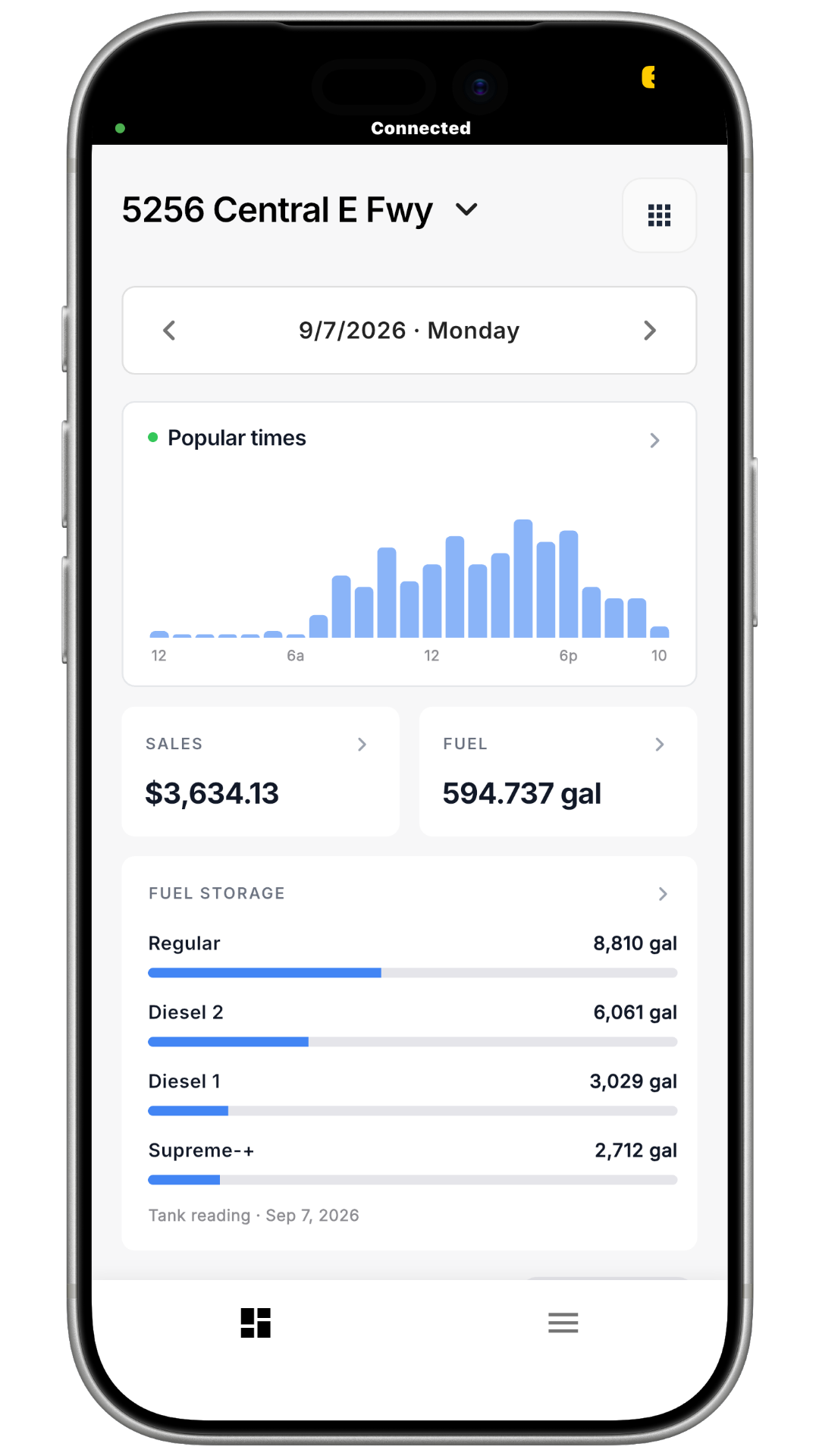
Step 1: In the top right corner, click the grid icon (the small square made of nine dots) to open Your Tools.
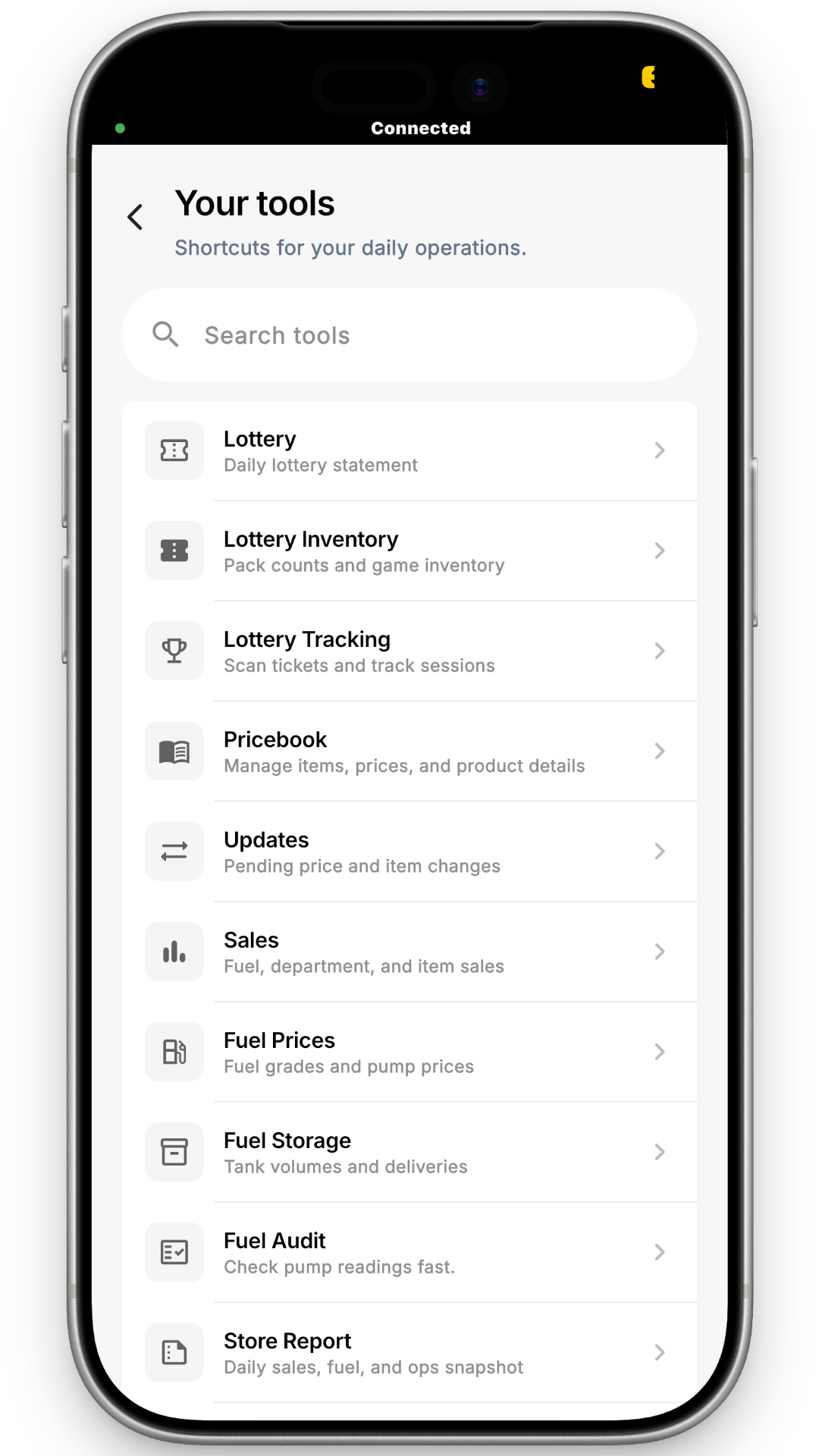
Step 2: Search for Pricebook and open it.

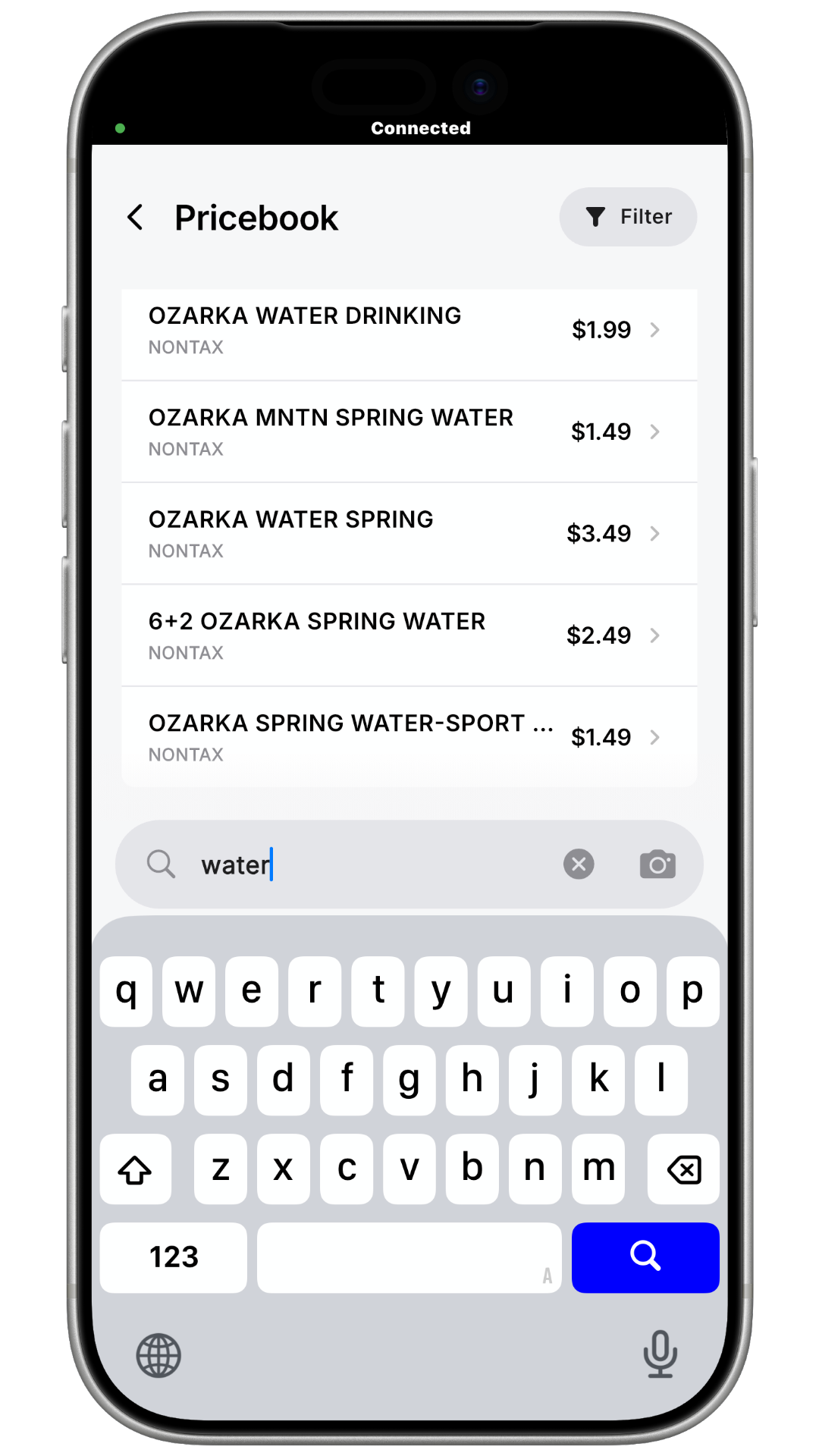
Step 3: Use the search box to find your item, then click on it.
Step 4: A pop-up will appear.
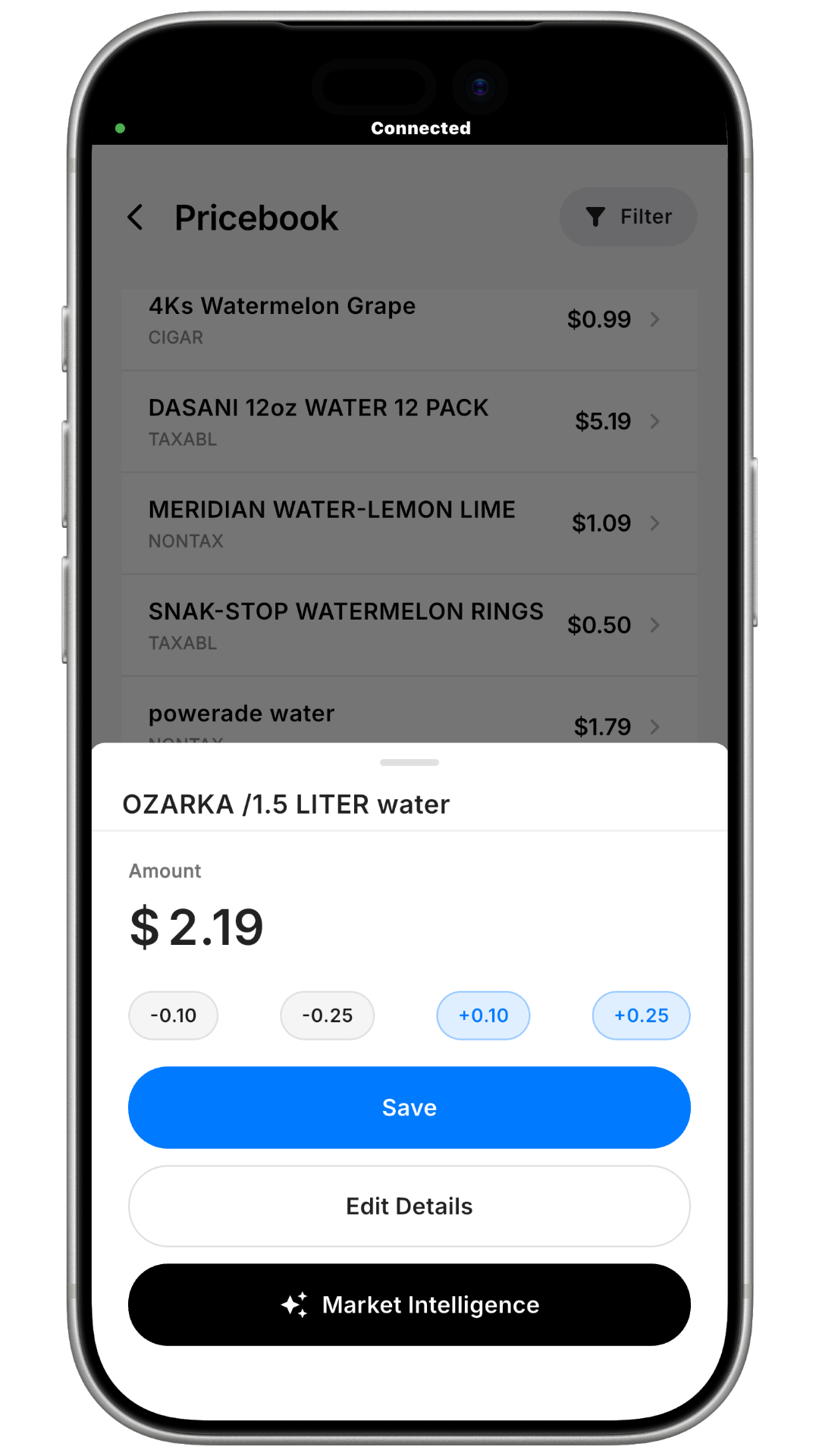
-
To change the price quickly, edit it right here in the pop-up, or
-
To change more details (description, department, item restrictions, taxes, and so on), open the full item details.
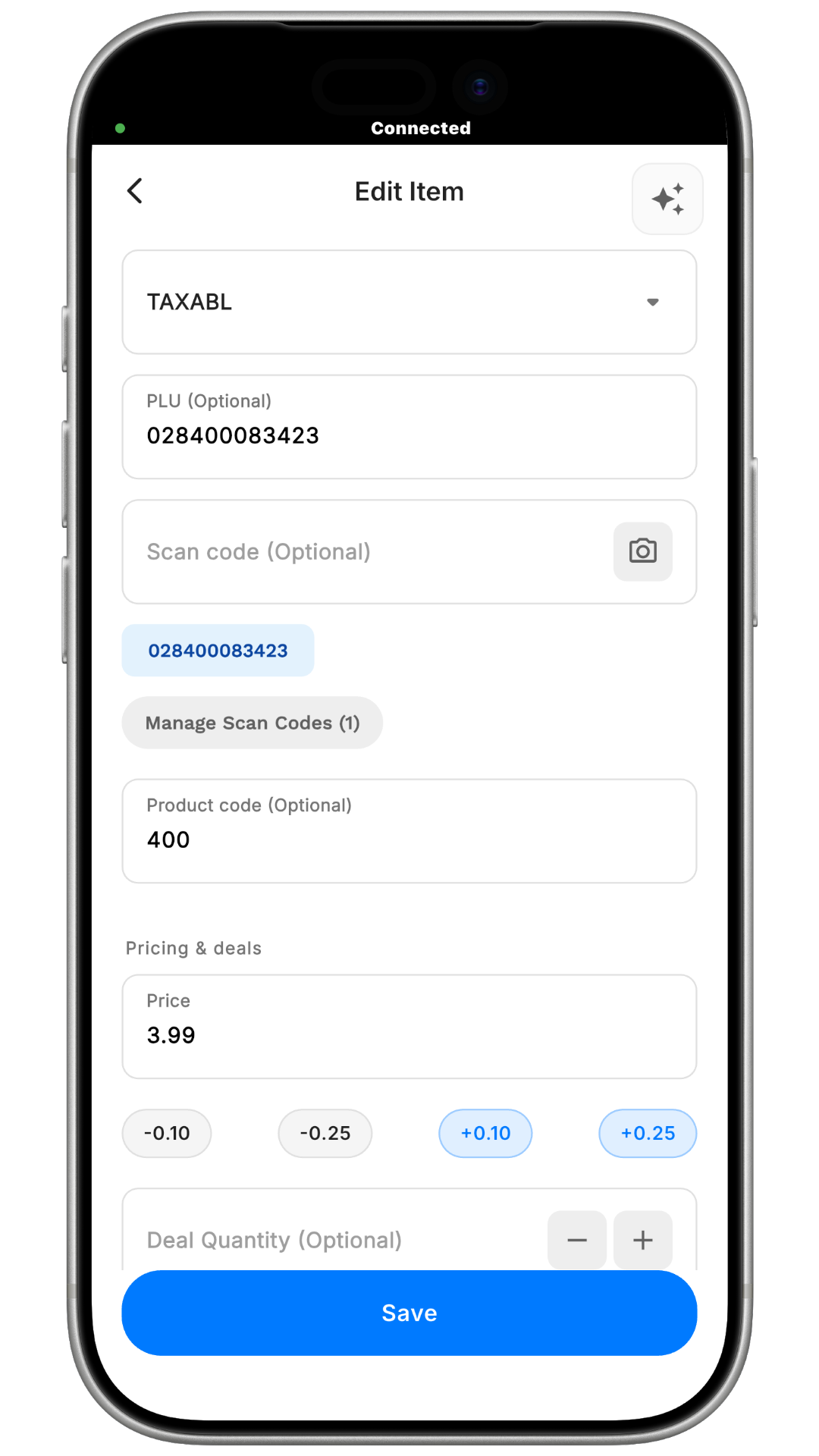

Step 5: Click Save.
How to Check Your Request
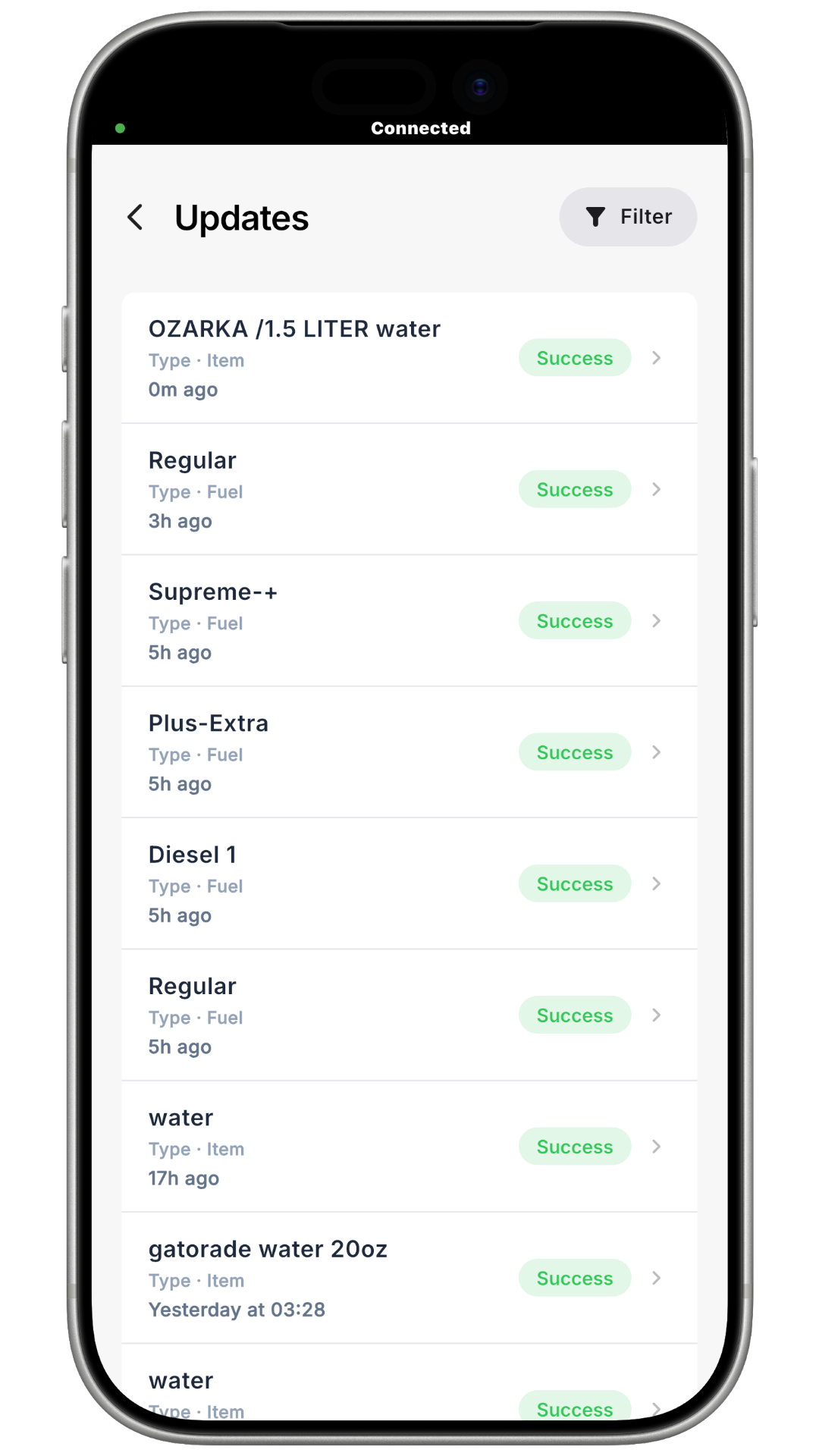
To see if your change went through, open Your Tools again, search for Updates, and open it. Your most recent changes will appear there.