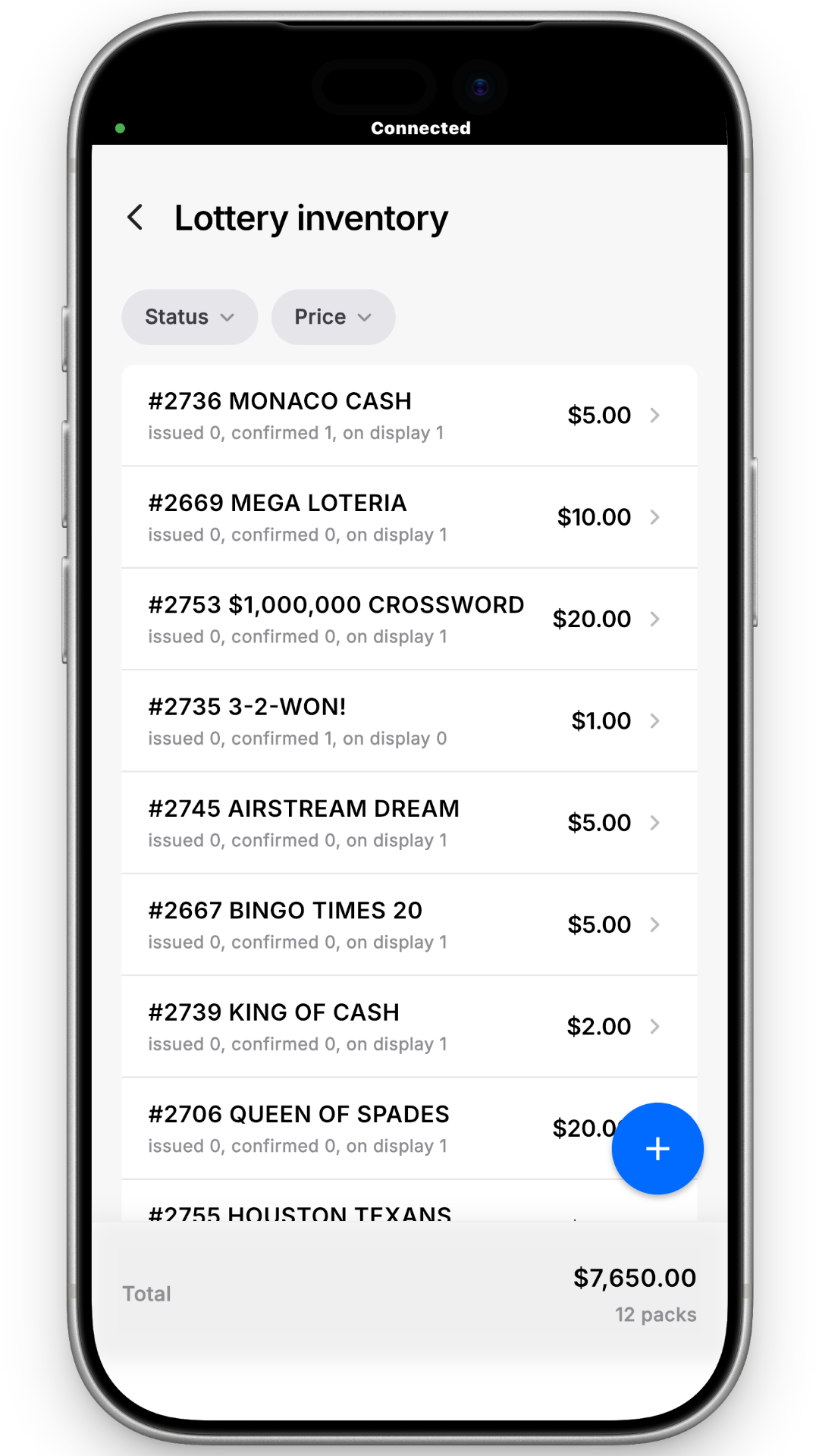
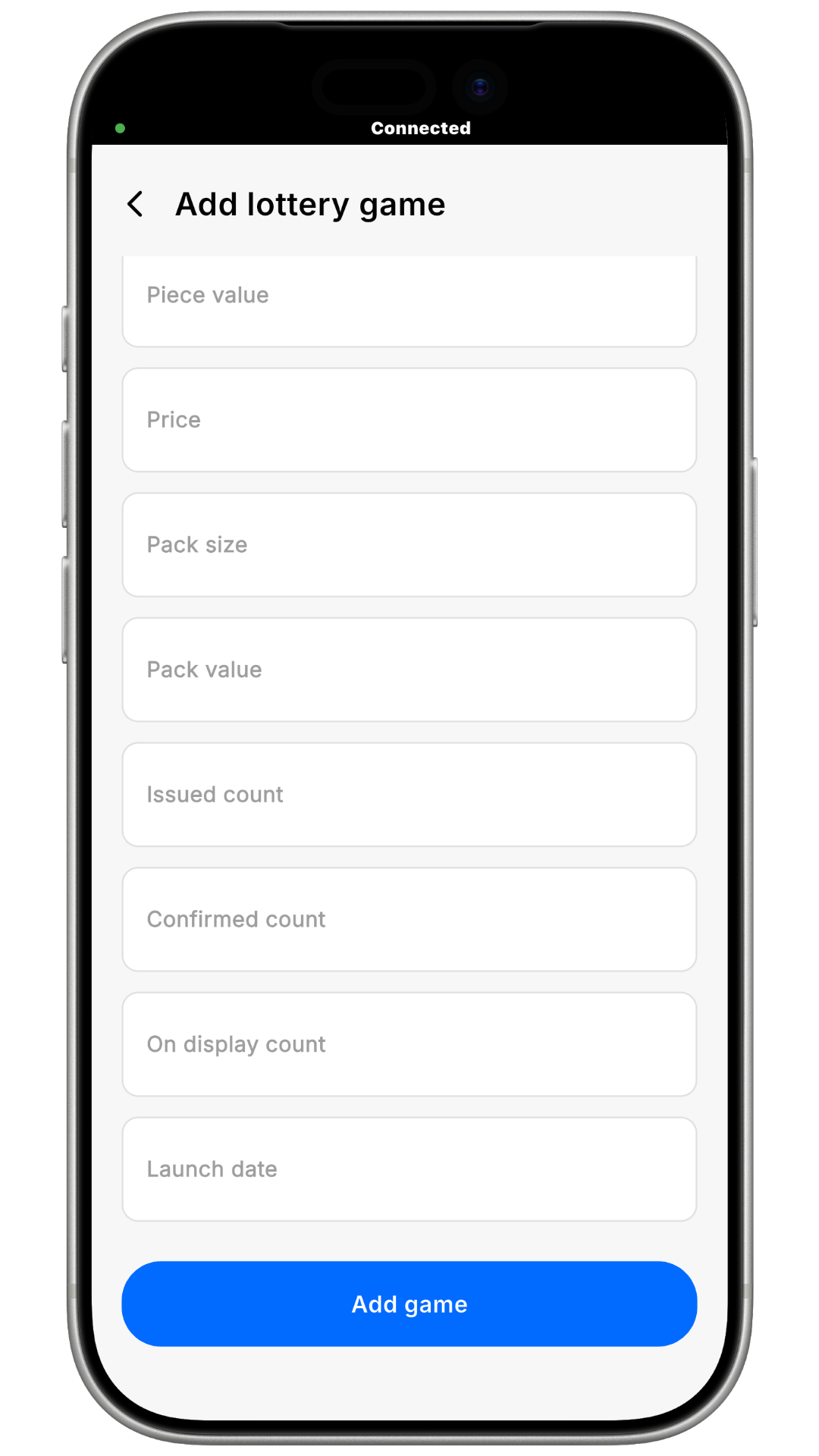
.png)
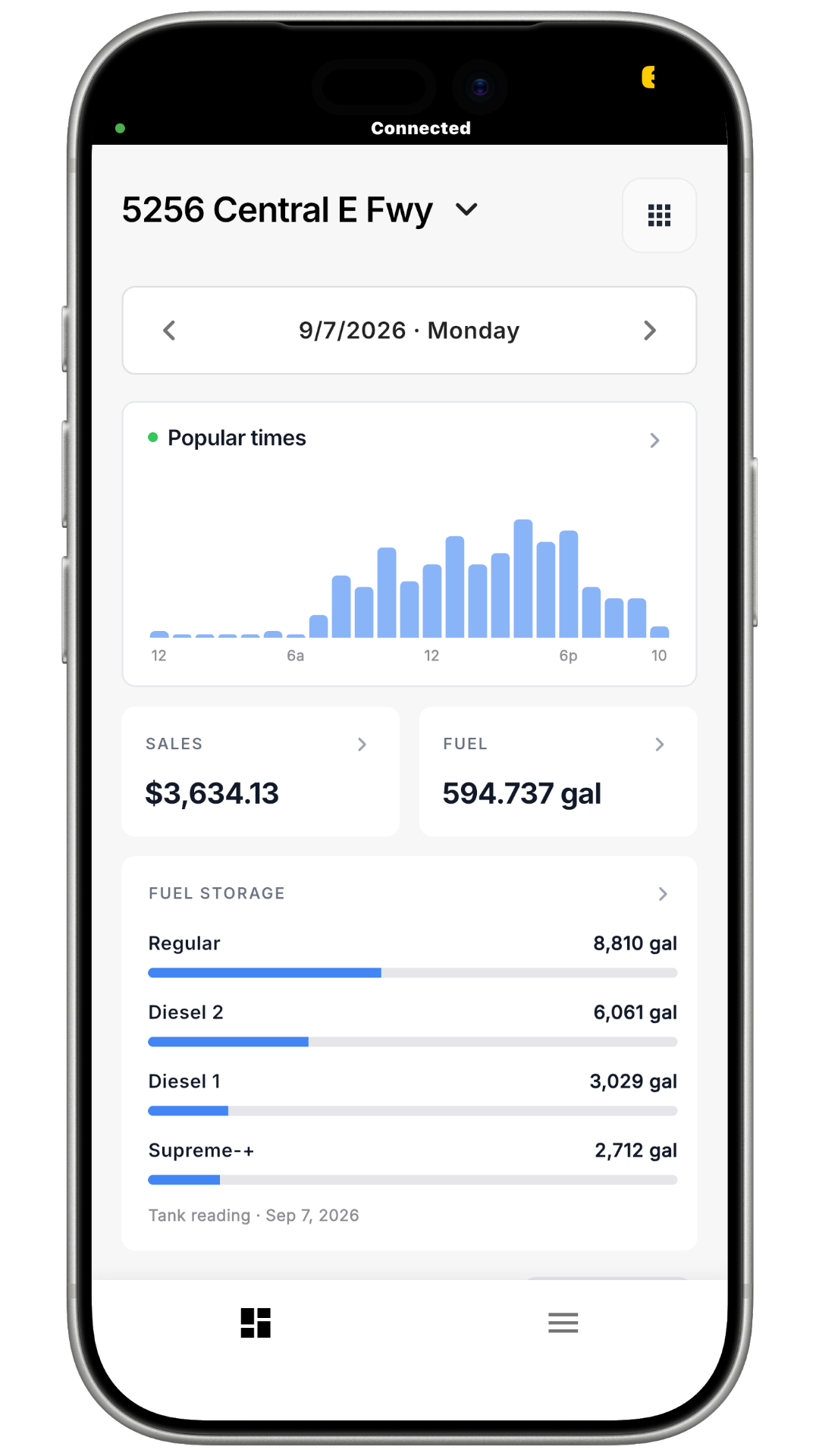
Step 1 — Open Your Tools
On the home screen, tap the grid icon (nine small squares) in the top-right corner. This opens Your Tools, your shortcuts for daily operations.
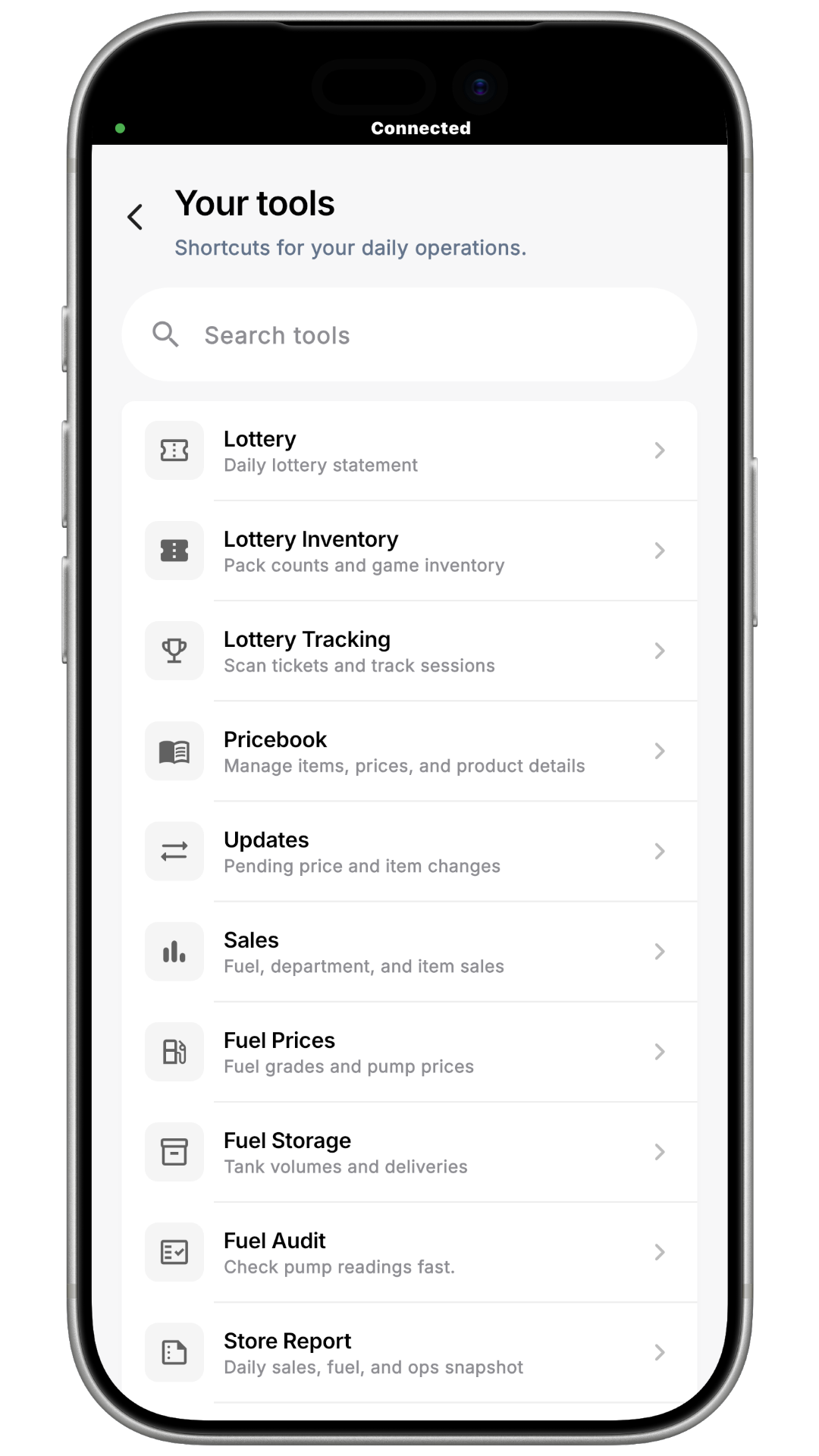
Step 2 — Open Lottery
In the Search tools field, type Lottery, then tap the Lottery row ("Check pump readings fast"). You can also scroll to it — it sits between Lottery and Store Report.
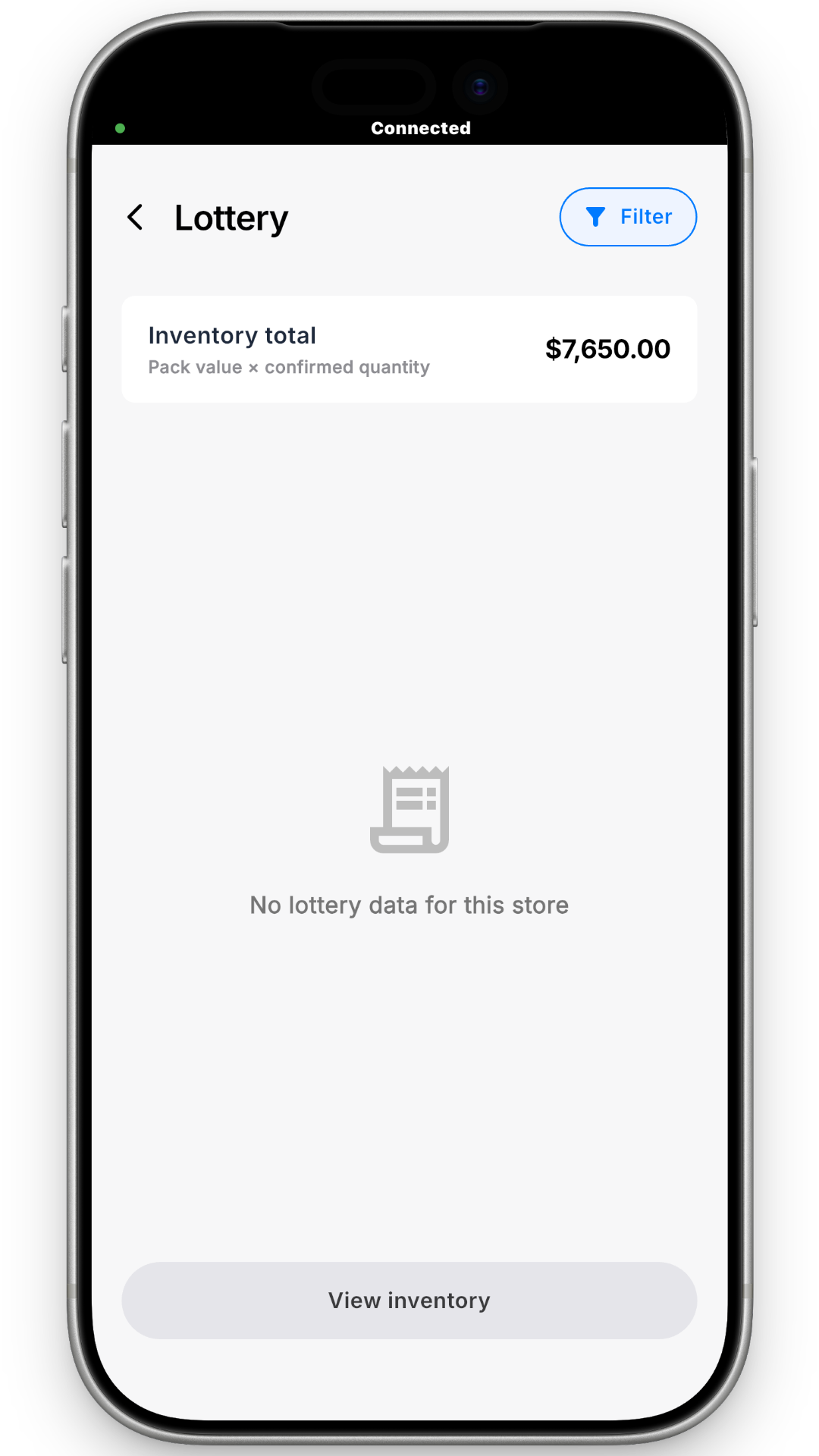
press Inventory